Bring your profile
Import a .datatap file, paste its HTTPS URL, or scan a QR code.
 DataTap
NATIVE FOR ANDROID & iOS
Turn your REST API into a simple mobile form. Scan a code, add a photo, send a record. Keep things moving.


Free to use. No DataTap account.
How it works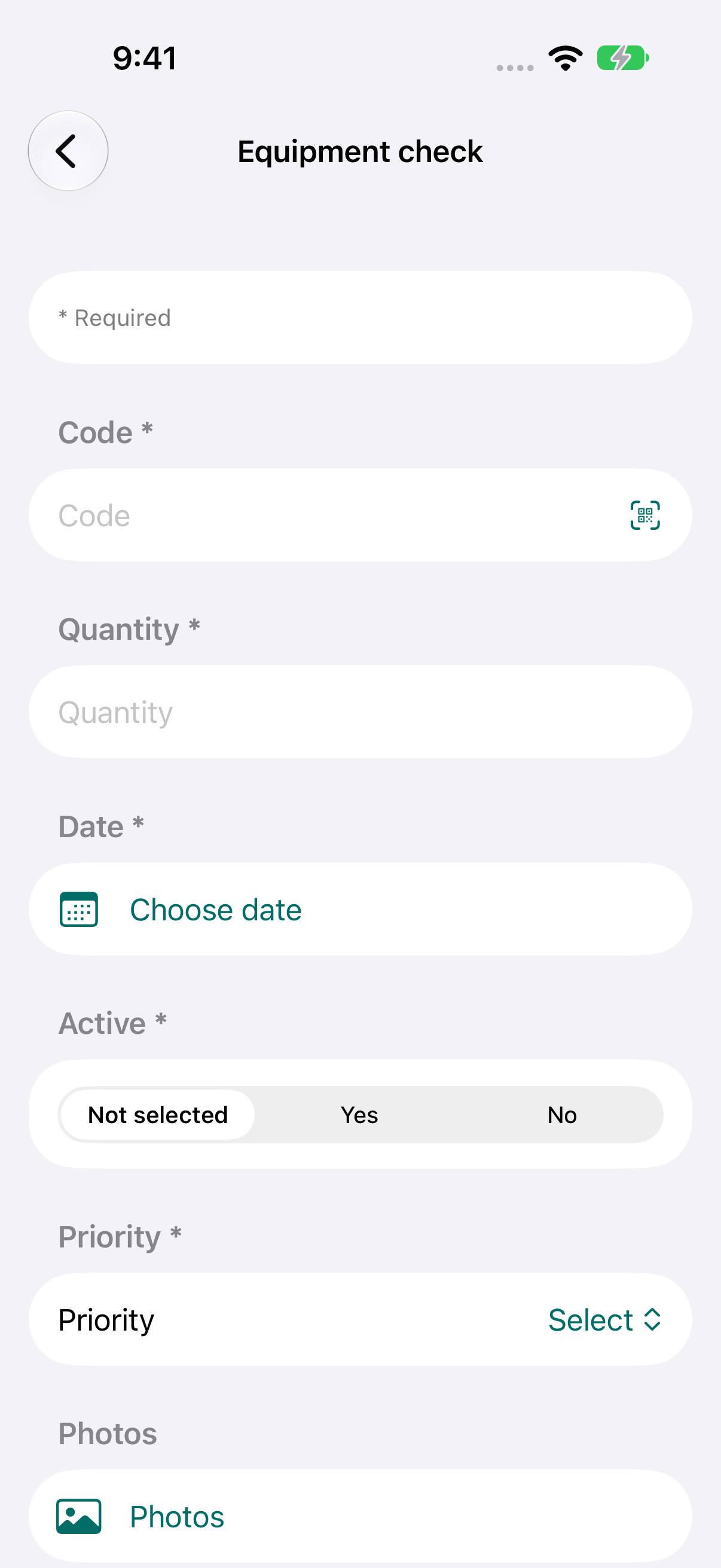
Paste the prompt into your AI assistant with a cURL command, a Swagger/OpenAPI definition, a Postman collection, or a description of your API. Remove real credentials and sensitive data before sharing your material.
LESS TYPING. MORE DOING.
Import a .datatap file, paste its HTTPS URL, or scan a QR code.
Use native inputs, scan QR codes and barcodes, and add photos from your camera or gallery.
Your phone sends the request to the server in your profile. A successful response clears the form for the next record.
ANDROID + iOS
The same workflow, with controls that feel at home on your phone. Built natively for Android and iOS, with English and Spanish interfaces.
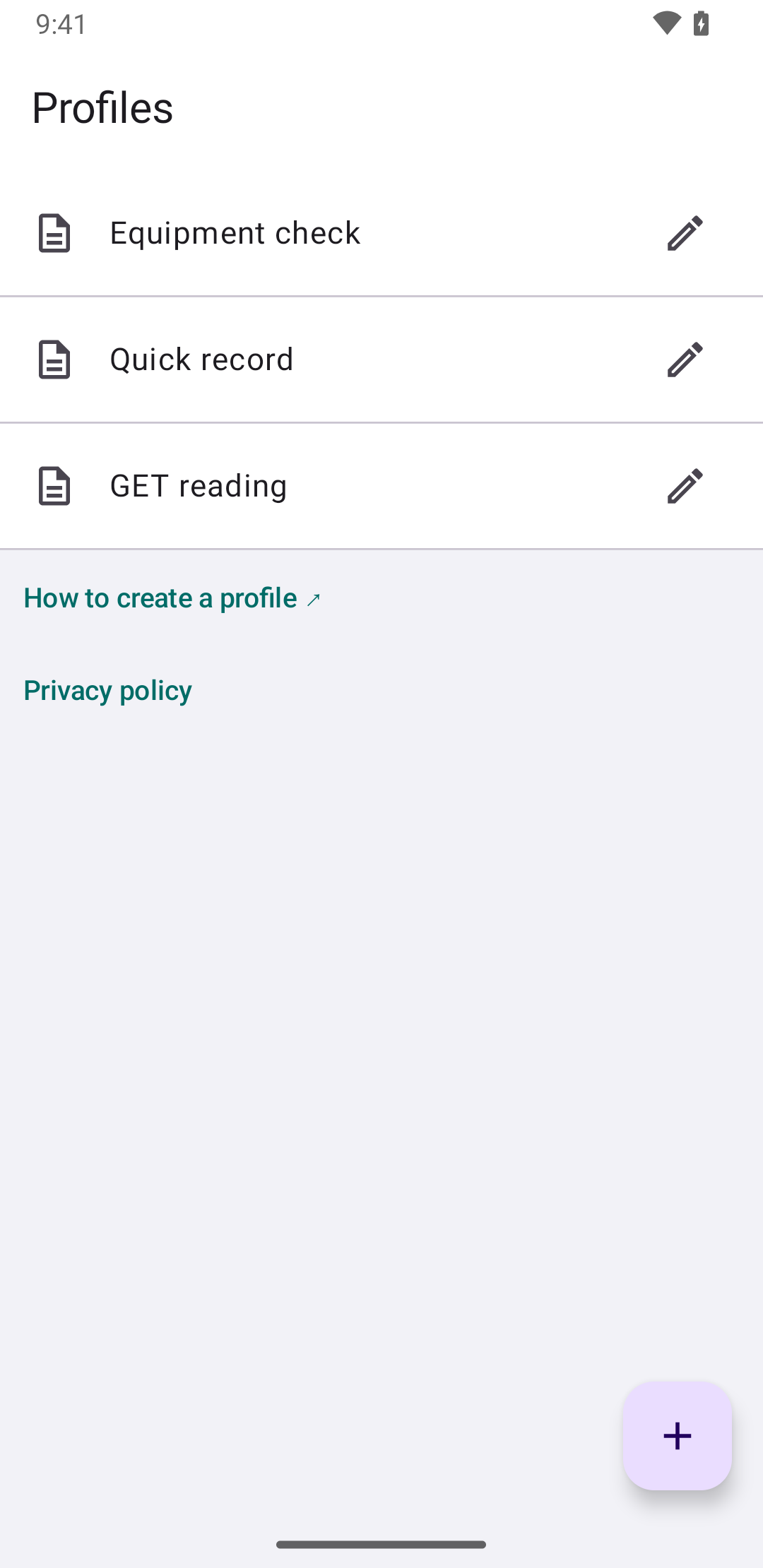
.datatap
Define the endpoint, authentication, field types, and image size in a plain JSON file. Share that profile with the people who need to capture data.
Create a profile ↗{
"key": "code",
"type": "text",
"label": "Code",
"required": true
}DataTap has no account system or central record database. Requests go directly to the API you configure. Your credential stays in secure storage on your device.
Privacy ↗